

Top Test Management Tools for NFR: Optimize Non-Functional Testing
Apps crash, pages crawl, users rage-quit—sound familiar?
That drama kicks in when teams ignore the invisible essentials: speed, uptime, security, vibe.
Enter test management tools for non-functional requirements. These platforms bake performance, scalability, and usability checks right into every build. Instead of chasing bugs after launch, you’re clocking response time, sniffing memory leaks, and locking the back door before hackers even knock.
QA sees the big picture on one slick board, devs patch issues before coffee cools, and product keeps its five-star rating.
Ready for the side-by-side rundown? Scroll on and grab the stack that fits your flow.
What Non-functional Requirements Mean for QA
Non-functional requirements (NFRs) spell out how your software should behave once the shiny features are coded. While functional requirements say, “the search bar returns results,” NFRs insist those results land in under two seconds, on any device, with zero data leaks.
For the full scoop, dive into our guide on non functional requirements.
Core NFR buckets QA tracks
- Performance – load, response time, and throughput
- Security – blocking unauthorized access and data breaches
- Usability – clear UX that boosts user satisfaction
- Reliability & scalability – uptime, fail-over, volume spikes
By lining these specs inside one test management suite, teams keep the testing process tidy, test results traceable, and the release train running right on time.
Quick-scan Comparison Table
| Tool | Best for | Key NFR modules | CI/CD hooks | Free tier? | From $ |
|---|---|---|---|---|---|
| Testomat.io | Full-cycle NFR testing process oversight | Performance, security, usability, scalability; real-time test coverage heatmaps | GitHub, GitLab, Jenkins, Azure, CircleCI | Yes | $0 → Pro $30 user/mo |
| Xray (for Jira) | Jira-native NFR tracking & compliance | Load, security, reliability dashboards; traceable test coverage metrics | Jenkins, Bamboo, GitLab, GitHub Actions | Trial only | $10 user/mo (cloud) |
| Tricentis qTest | Enterprise software quality & governance | Performance, load, scalability, compliance scorecards | Jenkins, Azure DevOps, Bamboo, Docker | No | Quote |
| PractiTest | Cross-project NFR insight & analytics | Usability, security, performance scorecards | GitHub, GitLab, Jenkins, Azure, Zapier | Trial only | $29 user/mo |
| TestRail | High-volume scripted + NFR suites | Load, stress, reliability, deep test coverage reports | Jenkins, CircleCI, TeamCity, GitHub Actions | No | $39 user/mo |
1. Testomat.io
Testomat.io is the test management tool that shoves every NFR checklist—performance, security, usability—straight into one board. Dashboards stream real-time load spikes, response-time dips, and flaky flows so the whole crew squashes issues before prod even blinks.
Key Features
- One-click performance testing bursts with auto-generated graphs
- Built-in security testing workflows that flag unauthorized access fast
- Session-recorded usability testing heatmaps for richer UX insight
- Scheduled load testing suites hitting 10 K+ virtual users per run
- Traceable test coverage matrix linking NFRs to user stories and bugs
- CI/CD hooks for GitHub, GitLab, Jenkins, CircleCI, Azure
- Role-based dashboards tracking software quality trends sprint over sprint
Pros
- Native CI widgets drop results right into pull requests
- Free tier covers unlimited projects and 3 users
- Auto-import from CSV, XML, or REST without data wrangling
- Smart alerts ping Slack the second response time tanks
- Heatmap pinpoints hot failure zones—no more hunt-and-peck
- Granular permissions keep dev, QA, and product lanes clear
- REST API lets power users script custom testing process flows
Cons
- Cloud-only—no on-prem option yet
- Deep-dive analytics locked behind Pro and up
Pricing
Starter plan is free forever (3 users). Pro lands at $30 per user/month, tossing in advanced analytics and priority support. Enterprise is custom-quote with SSO, audit logs, and white-glove onboarding.
Why Testomat.io Tops the List
Testomat.io lands the №1 slot because it crushes every NFR metric without crushing your wallet. It’s the only platform in this lineup that:
- Ships an always-free tier yet still unlocks full-blown performance, security, and usability suites—giving startups the same horsepower as the big dogs.
- Streams real-time heatmaps and response-time graphs right inside pull-request comments, so devs fix slowdowns before code even leaves the branch.
- Auto-maps test coverage to user stories and bugs out of the box, slashing setup time and pumping up software quality from sprint one.
- Lets you fire 10 K-user load tests via a single API call, then spits the results into Slack, Grafana, or your favorite dev chat—zero copy-paste.
- Keeps the UI stupid-simple, so new hires level up in minutes while power users script deep-dive workflows through an open REST API.
Mix rock-solid features with a no-brainer price and you’ve got a test management rocket that checks every non-functional box—hence the gold medal.
2. Xray
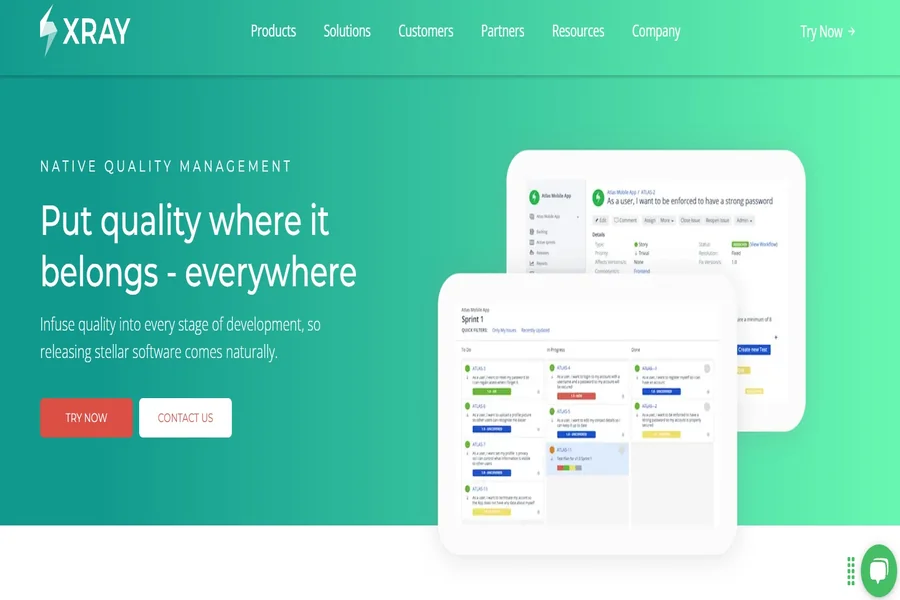
Xray bolts straight into Jira, turning the tracker you already live in into a full-blown test management tool. From sprint boards you can launch load blasts, log response-time dips, and track software quality trends without ever tab-surfing.
Key Features
- Jira-native performance testing panel with real-time response-time charts
- Built-in security testing checklist that flags gaps against OWASP top-10
- Story-linked usability testing notes and screenshots for clear sign-off
- Scalable load testing wizard—spin up to 5 K virtual users per run
- Traceable test coverage matrix tying NFRs to epics, defects, and fixes
Pros
- Zero context-switch—results show up right inside Jira issues
- Fine-grained permissions match your existing project roles
- REST API pumps metrics into Grafana for deeper analytics
Cons
- No always-free tier—only a 14-day trial
- Load-user cap locked unless you jump to Premium
- Heavy reliance on Jira means limited standalone value
Pricing
Cloud licenses start at $10 per user/month (up to 100 users). Premium bumps the load cap and adds SAML SSO; no perpetual free tier, but the 14-day trial lets you kick the tires.
3. Tricentis
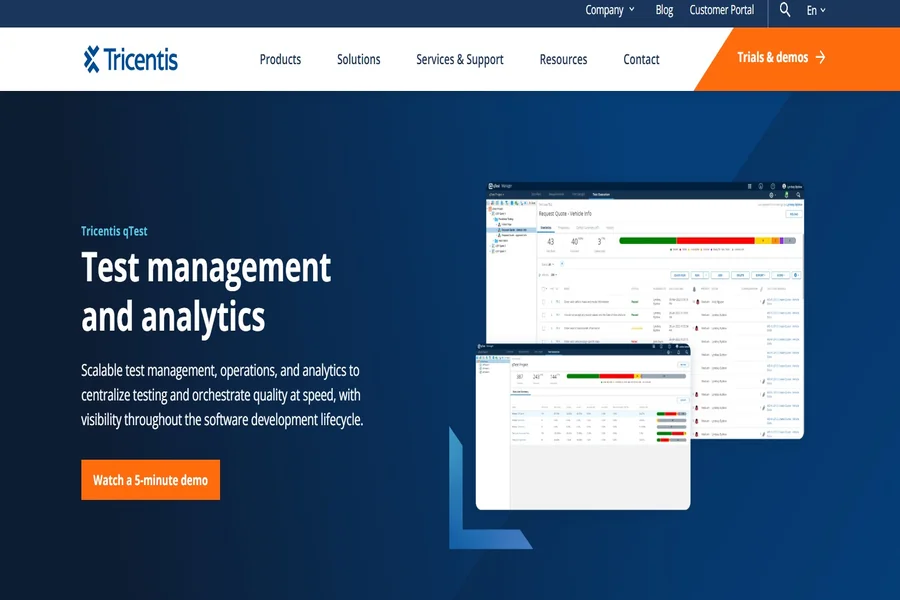
Big banks, med-tech giants, and telecom behemoths swear by qTest because this test management tool cranks non-functional metrics into audit-ready gold. Roll up thousands of performance spikes, security scan hits, and usability scores into one C-level dashboard—no spreadsheet voodoo required.
Key Features
- Enterprise-scale performance testing hub pipes in JMeter and LoadRunner data
- Built-in security testing workflow tracking OWASP, PCI-DSS, ISO gaps
- Screenshot-rich usability testing feedback boards for rapid UX tweaks
- Auto-aggregated load testing reports across multi-region labs
- Cross-project test coverage matrix proving software quality for auditors
Pros
- Handles monster data sets without choking
- Drag-and-drop analytics builder fits any testing process
- FedRAMP-ready cloud plus on-prem for tight-reg stateside ops
Cons
- No free tier—enterprise quote only
- UI feels heavy for lean squads
- Steep learning curve if you skip the kickoff workshop
Pricing
100 % quote-based: Tricentis doles out custom pricing per seat count and integration stack. Expect mid- to high-five-figures annually; no perpetual free plan, but enterprise trials are negotiable.
4. PractiTest
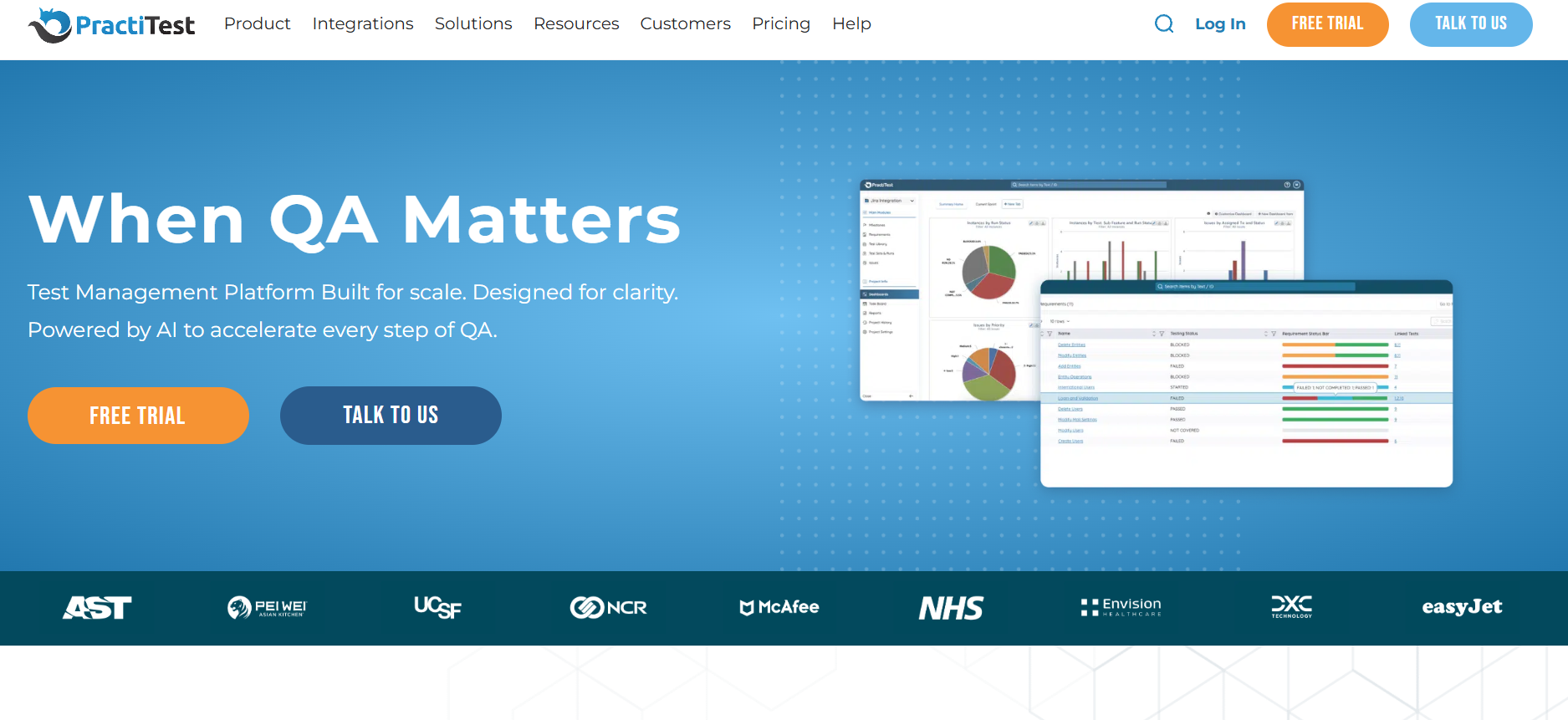 PractiTest wraps every artifact—requirements, runs, defects—into one slick test management tool so you never lose the plot. Its traceability grid links performance hits, security gaps, and UX snags straight back to stories, keeping paperwork light and audits painless.
Key Features
- Real-time performance testing widget piping JMeter metrics to dashboards
- Built-in security testing checklist mapping issues to CVSS scores
- Session-based usability testing recorder with inline annotations
- Auto-scheduled load testing bursts that tag spikes by build number
- Cross-project test coverage matrix exposing gaps in software quality
Pros
- One-click traceability from story → test → bug
- Color-coded dashboards highlight risky builds at a glance
- Smart filters slice testing process data by sprint, tag, or owner
Cons
- No forever-free tier—14-day trial only
- Custom fields capped on Professional plan
- Load events limited to 2 K per run unless you’re Enterprise
Pricing
Professional starts at $29 per user/month (billed annually). Enterprise is custom-quote, unlocking unlimited events, SSO, and premium support; free usage ends after the trial.
5. TestRail
 TestRail is the veteran test management tool that lets established teams wrangle classic scripted cases and heavy-duty NFR runs in one timeline. Pipe in load graphs, track response-time trends, and keep software quality audits tidy without ditching the familiar spreadsheet-killer UI.
Key Features
- Plug-in hub pulls performance testing data from JMeter, Gatling, BlazeMeter
- Inline security testing fields log CVSS scores right beside defects
- Session-based usability testing notes with screenshot attachments
- Scheduled load testing runs post pass/fail stats to trend charts
- Drill-down test coverage reports for fast gap analysis across releases
Pros
- Rock-solid stability for large case banks
- Bulk import from CSV/Excel slashes migration pain
- Rich canned reports please both QA and execs
Cons
- No forever-free tier—trial only
- Chaos/load helpers rely on third-party plug-ins
- UI feels dated compared to newer SaaS rivals
Pricing
Cloud seats start at $39 per user/month (annual billing). Self-hosted licenses run $416 per user/year. Free access ends after the 14-day trial.
Choosing the Right NFR Testing Stack
Before swiping a credit card, tick off this quick checklist to be sure the platform fits your flow and keeps efficient test management humming:
- Integration depth
Does the tool bolt straight into your CI/CD and chat stack, or will the devs juggle scripts on the side? Deep hooks mean smoother software development cycles and fewer hand-offs. - Test automation support
Look for native runners, API triggers, and headless agents. Solid automation chops turn good intentions into repeatable reality—vital for airtight test planning and 24/7 load blasts. - Analytics & insights
Heatmaps, trend lines, and pass-rate widgets should pop at a glance. If execs can’t spot a response-time spike in five seconds, keep shopping. - Team size & roles
Check seat pricing, permission schemes, and SSO options. A nimble startup and a 50-head development team don’t need the same guardrails—or the same bill.
Nail these four boxes and you’ll lock in a stack that scales NFR coverage without nuking velocity.
Best Practices for Non-Functional Test Management
- Performance baselines: Lock in a “golden” response-time target before the first commit hits main. Every sprint, blast the same load testing script so you can spot drift fast. Stick to industry standards like ISO/IEC 25010 for performance metrics and feed the numbers straight into the board for instant eyeballing.
- Security hardening: Treat every build like it belongs on the front page of Hacker News. Automate OWASP and PCI-DSS compliance testing in your nightly pipe, then fail the run if a high-risk vuln pops. Tie findings to CVSS scores so product folks grasp the blast radius without reading exploits.
- Usability sessions: Real users trump lab rats. Schedule quick guerrilla usability testing each sprint—five clicks, two tasks, one candid rant. Pipe the feedback back into the suite as acceptance criteria, boosting user satisfaction while keeping the software quality story traceable.
- Continuous improvement loops: Dashboards aren’t wall art. Hold a ten-minute retro every Friday: pull up trend lines, flag any dip in throughput, shout-out the fix that shaved 500 ms off TTFB. Rolling tweaks turn “meh” metrics into brag-worthy KPIs and keep your testing process lean and mean.
Final Takeaway
Non-functional blind spots tank products faster than missing features, so choose a stack that treats performance charts, security scans, and UX findings as first-class citizens. Match the tools above to your pipeline quirks and squad size, and you’ll weave rock-solid software quality into every sprint. Want a no-risk test drive? Fire up the forever-free Testomat.io tier and see those NFR dashboards light up before your next coffee refill.
FAQ
Which tool is used for non-functional testing?
There isn’t a single king-pin; teams mix tools based on the type of testing they need. Testomat.io handles end-to-end NFR dashboards, JMeter or Gatling hammer response time, OWASP ZAP covers security testing, and Hotjar powers quick usability testing sessions. The trick is gluing them into one efficient test management pipeline.
Is JMeter used for non-functional testing?
Yep. Apache JMeter is the Swiss-army knife for performance and scalability checks. Spin up a load script, aim it at your software system, and watch throughput, latency, and error rates in real time. Many test management platforms import those metrics to keep the testing process traceable.
What are the 4 types of non-functional requirements?
Most squads bucket NFRs into four big themes: performance (speed, response time), security (blocking unauthorized access), usability (clean UX that drives user satisfaction), and reliability/scalability (uptime, fail-over, volume spikes). Other concerns—compatibility, portability, maintainability—usually roll up under those umbrellas.
What are non-functional requirements in QA?
In QA speak, non-functional requirements spell out how a software application should behave, not what it should do. They set measurable bars for speed, stability, security, and user experience so testers can verify the product meets industry standards and maintains rock-solid software quality across devices and environments.
What do we test in non-functional testing?
A solid NFR suite probes response time under load, memory footprint, stress limits, security holes, usability hiccups, and recovery after a crash. This type of testing also checks portability across operating systems and compatibility with different browsers—ensuring the software system stays smooth no matter where or how users poke it.
Leave a Reply
You must be logged in to post a comment.